TL;DR: Coding can be a powerful learning activity for children with ADHD because it combines problem-solving, creativity, and immediate feedback. Research suggests that structured digital learning environments can improve executive functioning skills such as planning, sequencing, and working memory when activities involve clear goals and interactive feedback loops. The best coding apps for ADHD kids tend to include short challenges, visual programming tools, and strong reward systems. In this guide, we highlight coding apps that introduce programming concepts while keeping attention, motivation, and cognitive load in mind.
If you’re searching for the best coding apps for ADHD kids, you might be hoping for something that builds real skills without triggering frustration or boredom.
That’s a reasonable goal. Children with ADHD often learn best through interactive environments where feedback is immediate and goals are clearly defined. Studies examining computational thinking in young learners show that visual programming environments - where code is represented as blocks rather than text - can significantly support problem-solving and sequencing skills. These environments reduce cognitive load and allow learners to focus on logic rather than syntax.
That’s why many beginner coding apps rely on drag-and-drop blocks, puzzles, and short levels. These mechanics can be particularly helpful for ADHD learners who benefit from clear structure and visible progress.
If your child already enjoys structured digital learning tools, you might also find our guide to Best Reading Apps for ADHD Kids helpful, since many of the same engagement principles apply across subjects.
How Coding Apps Can Support ADHD Learners
Coding activities can strengthen several cognitive skills that ADHD learners often work on developing. Programming requires children to break big problems into smaller steps, test ideas, and adjust strategies based on feedback. Educational researchers note that computational thinking activities help children develop sequencing, planning, and debugging strategies - skills closely connected to executive functioning.
For younger learners especially, visual coding tools also reduce working memory demands because the logic of the program is visible on the screen rather than hidden inside text-based syntax.
That’s why the most effective coding apps for ADHD kids tend to share a few common design choices:
Short puzzle levels with quick feedback
Visual block-based programming
Reward systems or progress tracking
Gradual skill progression
Creative projects that allow experimentation
Below are several coding apps - both well known and lesser known - that parents often find helpful.
Best Coding Apps for ADHD Kids
1. ScratchJr
Best for: First introduction to coding concepts
Ages: 5-7
ScratchJr introduces coding through a simple drag-and-drop programming interface designed specifically for young children. Instead of typing commands, kids connect visual blocks that control characters, movement, and basic story events.
The open-ended design allows children to create their own animated stories and games, which can help maintain engagement for ADHD learners who enjoy creative exploration. Developed by researchers at MIT, Scratch-style environments are widely used in education because they allow learners to experiment with logic and sequencing without worrying about syntax.
Pricing Model: Free.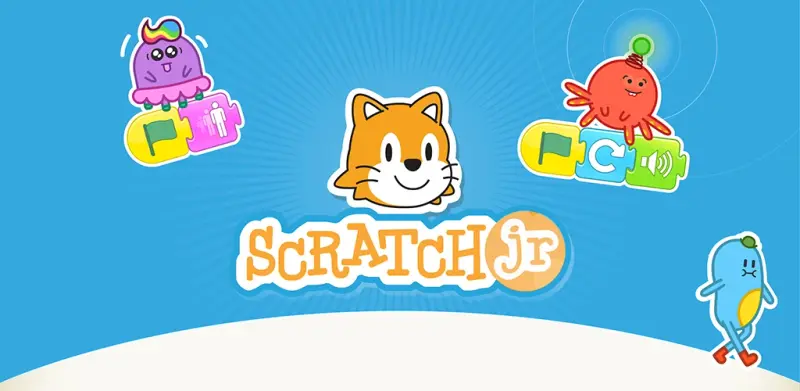
2. CodeSpark Academy
Best for: Game-based coding puzzles
Ages: 5-9
CodeSpark Academy teaches coding concepts through puzzle-based gameplay featuring colorful characters and interactive challenges. Children solve problems by arranging visual programming blocks that guide characters through different environments and obstacles.
The app introduces key computer science concepts such as sequencing, loops, and debugging through progressively more complex puzzles. Alongside puzzle levels, children can also create their own games and stories, encouraging creativity while reinforcing coding logic.
The structured progression and short puzzle levels can work well for children who benefit from predictable steps and immediate feedback, helping maintain focus while building problem-solving skills.
Pricing Model: 7-day free trial; subscription required for full access.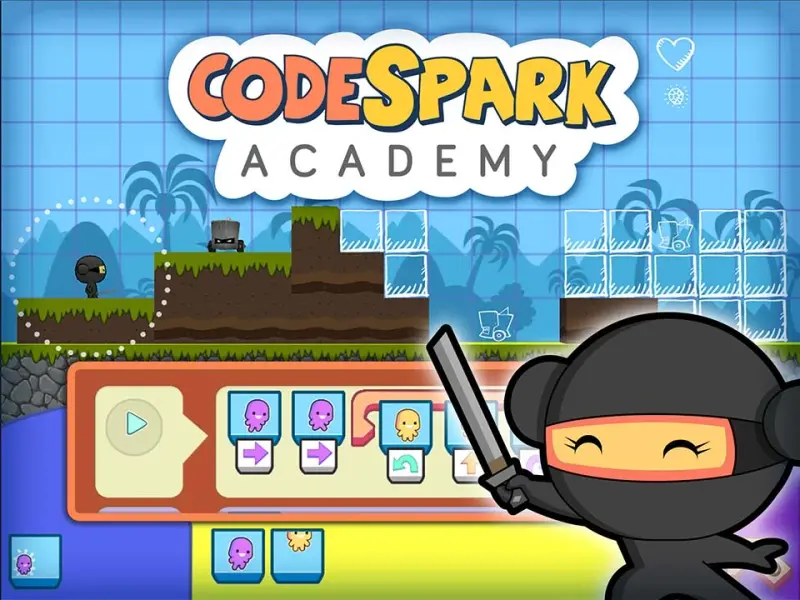
3. Lightbot
Best for: Logic puzzles that teach sequencing and algorithms
Ages: 6+
Lightbot is a programming puzzle game that introduces coding concepts through step-by-step problem-solving challenges. Players guide a robot across a grid by arranging commands such as walk, jump, and light tiles in the correct order.
As levels progress, the game introduces core programming ideas including procedures, loops, and conditionals. Each puzzle builds on the previous one, gradually increasing complexity while reinforcing logical thinking and sequencing skills.
The short, goal-oriented puzzles and immediate feedback can work well for children who benefit from clear objectives and incremental progress while learning new concepts.
Pricing Model: One-time paid download.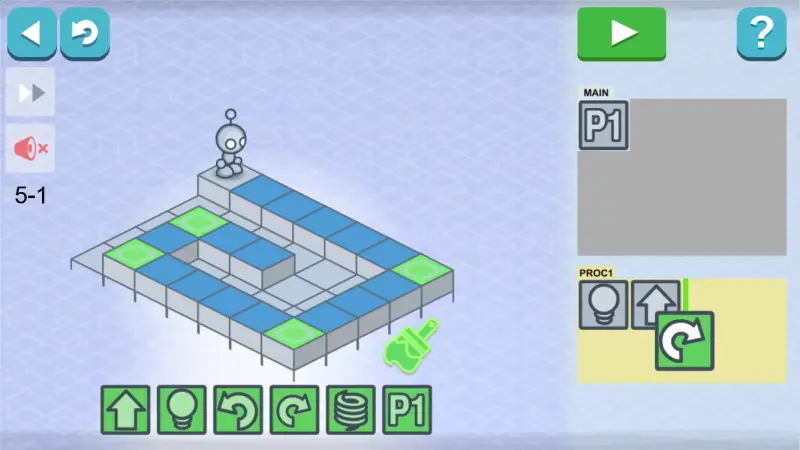
4. Tynker
Best for: Structured coding courses and long-term learning pathways
Ages: 7–12
Tynker is a comprehensive coding platform that introduces children to programming through interactive lessons, puzzles, and creative projects. Students begin with visual block-based coding and can gradually progress to real programming languages such as Python and JavaScript as their skills develop.
The platform includes hundreds of courses and activities where children build games, animations, and apps while learning core concepts like sequencing, loops, and conditional logic. Interest-based learning paths - such as game design, Minecraft modding, robotics, and electronics - allow students to explore coding through topics they enjoy.
Tynker also provides progress tracking tools and a placement assessment to help children start at the right level. The structured learning path and gradual progression can work well for students who benefit from clear goals and step-by-step skill development.
Pricing Model: Limited free content; subscription plans available for individuals and families.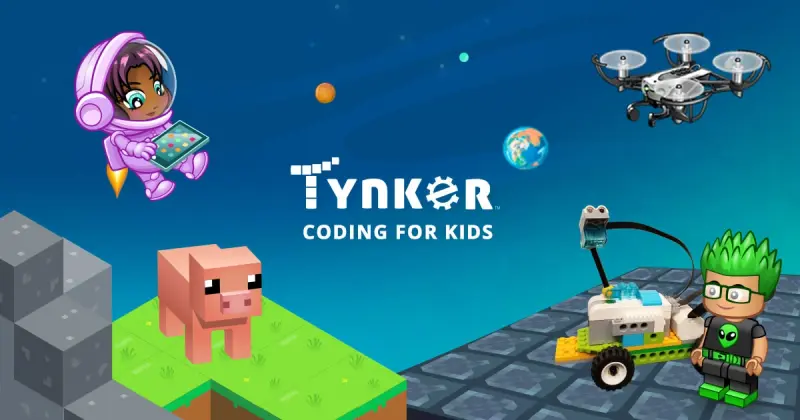
5. Kodable
Best for: Early computational thinking and coding foundations
Ages: 4-8
Kodable introduces young learners to core programming concepts through maze-style puzzles and character-based gameplay. Children guide colorful characters through different environments by arranging instructions that teach sequencing, direction, loops, and basic algorithms.
The app gradually builds coding skills through short challenges and structured lessons designed for early learners. Younger students use drag-and-drop programming blocks, while older learners can eventually transition toward text-based coding concepts.
With multiple lessons and a curriculum designed for kindergarten through elementary school, Kodable focuses on developing logical thinking, problem-solving, and early computer science skills in a playful environment.
Pricing Model: Free starter content; subscription plans available monthly, annually, or as a lifetime purchase.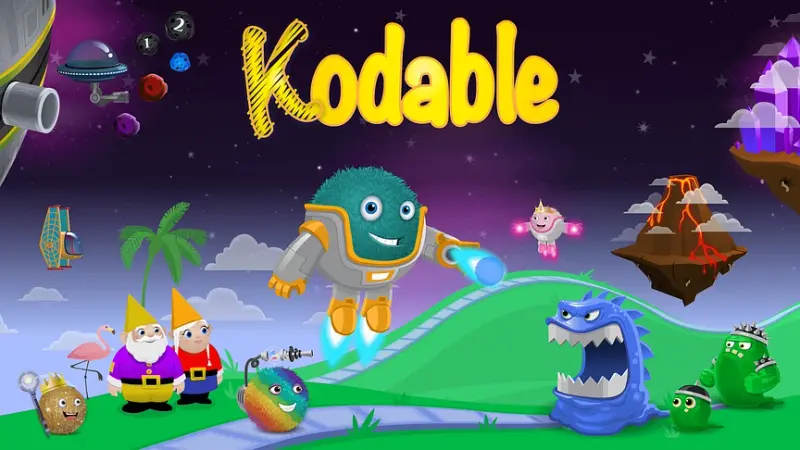
6. Hopscotch
Best for: Creative coding projects and game design
Ages: 8+
Hopscotch is a visual programming app that helps children learn coding by creating their own games, animations, and interactive stories. Using drag-and-drop programming blocks, kids can control characters, build simple scripts, and experiment with commands such as loops, variables, and conditional logic.
The platform combines guided coding challenges with open-ended project creation. Children can explore community projects, remix other users’ creations, and gradually learn programming logic by experimenting with their own ideas.
Because the app emphasizes creativity and exploration rather than structured puzzles, it often appeals to learners who enjoy designing their own digital worlds and experimenting with how code changes what happens on screen.
Pricing Model: Free version available; premium plans include monthly or yearly subscriptions, with a one-time lifetime family pass option.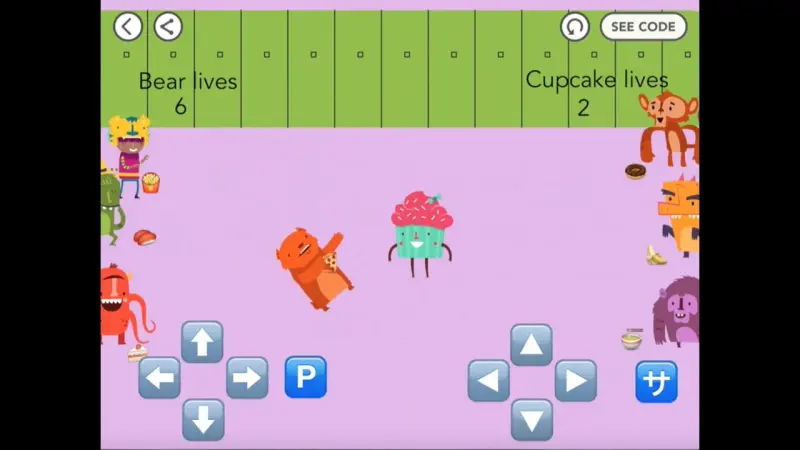
7. CodeMonkey
Best for: Learning real programming through game-based challenges
Ages: 6-13
CodeMonkey is a coding platform that teaches children real programming languages through interactive puzzles and story-driven missions. Players help characters solve challenges - such as collecting bananas or crossing obstacles - by writing code in a simple text-based editor.
The platform introduces programming concepts step by step, gradually moving from basic logic and sequencing to writing real code using languages such as CoffeeScript and Python. Lessons are structured as scaffolded puzzles, helping children build confidence as they progress through increasingly complex challenges.
The game-based environment, clear objectives, and reward systems can work well for learners who stay engaged through short challenges and visible progress.
Pricing Model: Free trial available; subscription plans for individual learners, families, and schools.
8. Code Land
Best for: Game-based coding exploration for younger learners
Ages: 4-10
Code Land introduces children to coding concepts through a variety of puzzle games and creative activities spread across different themed “lands.” Players explore areas such as Precode Land, Logic Land, and Create Land, where they solve challenges that develop skills like sequencing, logical reasoning, and pattern recognition.
The app begins with simple visual puzzles that do not require reading, making it accessible for younger children who are just starting to explore computational thinking. As players progress, they encounter more advanced challenges that introduce coding-style logic through visual programming tools.
In addition to solving puzzles, children can also experiment with creating their own challenges and projects, encouraging creativity alongside problem-solving. The mix of logic games, coding puzzles, and creative tools helps keep the experience varied and engaging for learners who benefit from interactive, game-like environments.
Pricing Model: Free download with a 7-day trial; subscription required for full access.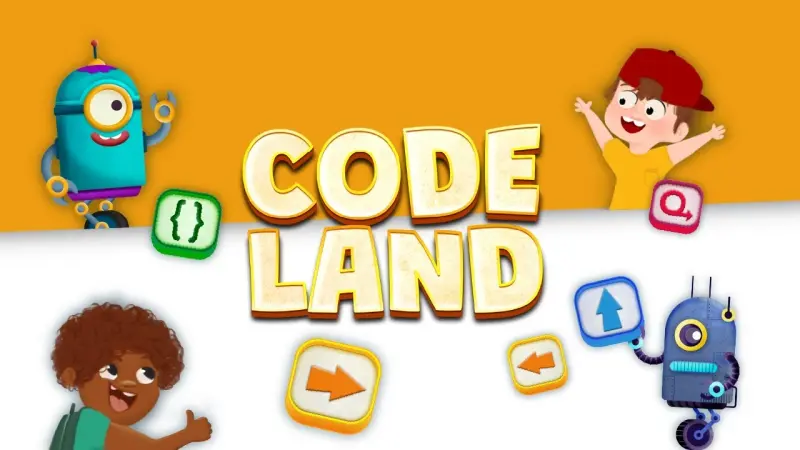
9. Code for Life
Best for: Puzzle-based coding challenges and computational thinking
Ages: 7-12
Code for Life teaches coding concepts through a series of interactive puzzle games where students guide characters through challenges by arranging programming commands. The platform’s main game, Rapid Router, focuses on logical planning and algorithmic thinking as players build delivery routes and solve increasingly complex problems.
As learners progress through the levels, they encounter core programming concepts such as loops, conditions, and optimization strategies. The puzzles gradually become more challenging, encouraging players to refine their logic and experiment with different solutions.
Because the challenges are short and structured, the platform can work well for learners who benefit from clear goals and step-by-step progress while building computational thinking skills.
Pricing Model: Free.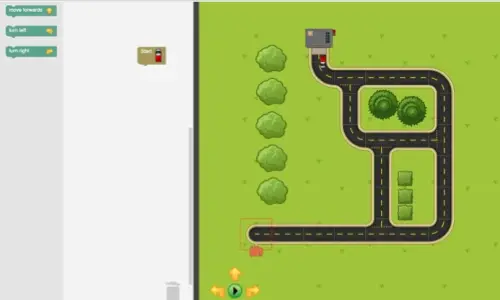
How to Make Coding Apps Work Better for ADHD Brains
Keep sessions short (10–20 minutes).
Let children alternate between puzzle solving and creative projects.
Celebrate completed levels or projects rather than focusing only on accuracy.
Encourage children to explain how their code works - this strengthens understanding.
Key Takeaways
Coding apps can strengthen sequencing, planning, and problem-solving skills.
Visual programming environments reduce cognitive load for beginners.
Short puzzle levels and immediate feedback support sustained engagement.
Both structured courses and creative coding tools can be useful depending on your child’s learning style.
FAQs
Are coding apps good for ADHD kids?
They can be. Coding activities often provide immediate feedback and clear goals, which help maintain engagement. Research on computational thinking education suggests these activities can support executive functioning and structured problem-solving.
What age should kids start learning coding?
Many visual coding tools introduce programming concepts as early as age five through puzzle games and storytelling environments.
Do kids need to learn real programming languages?
No. Most beginner coding apps start with block-based programming because it reduces complexity and allows children to focus on logic first.
How long should coding practice last?
Short sessions of 10–20 minutes tend to work best for younger learners and children with ADHD.
References:
Lye, S. Y., & Koh, J. H. L. (2014). Review on teaching and learning of computational thinking through programming. Educational Technology & Society.
https://www.computacional.com.br/files/Artigos/LYE%20-%20Review%20on%20teaching%20and%20learning%20of%20CT%20through%20programming.pdf